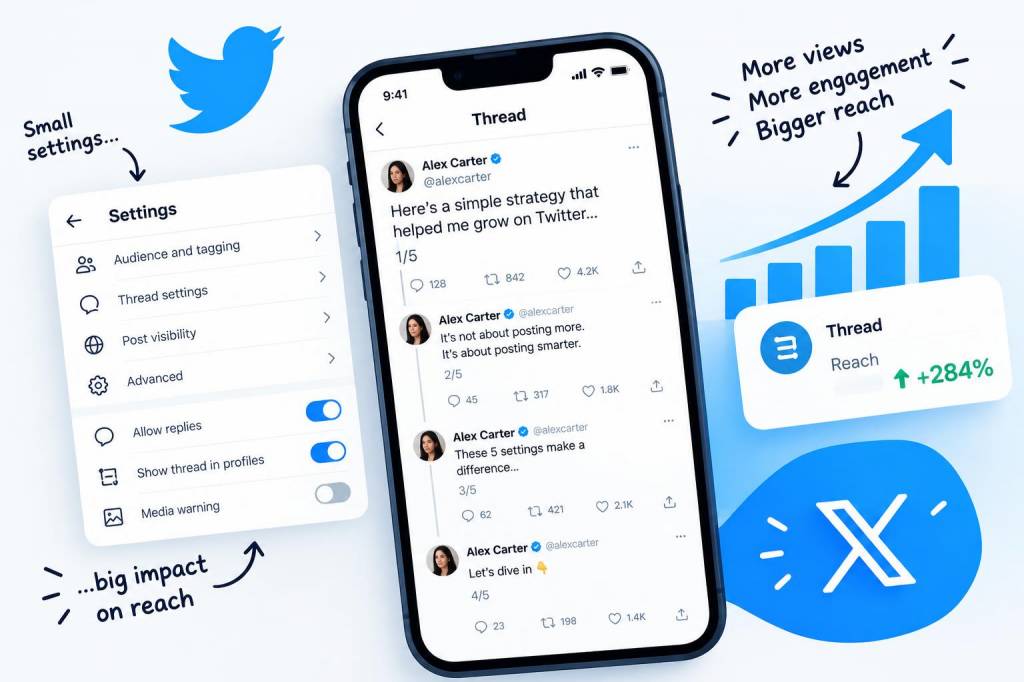
I love a good Twitter thread. A single scroll-stopping thread can turn a quiet account into a mini-phenomenon overnight, and over the years I’ve picked up a few tiny settings and habits that quietly punch up reach without any sketchy growth hacks. These are the little toggles people skip past in the settings menu — the ones that add up to more impressions, better conversation, and a thread that actually travels beyond your follower bubble.
Why tiny settings matter
Think of Twitter like a stage: content is the performance, but the stage lights and mic settings determine whether anyone hears you. Big content moves are important — a compelling hook, clear structure, and nice visuals — but tiny account-level and thread-level settings are your tech crew. They don't create the show, but they make sure it gets seen.
Notifications and Replies: Make conversation easier to find
One of the most overlooked parts of reach is how visible replies and conversations are. Twitter (X) uses conversational context to push threads to more people. If replies are hidden or hard to follow, engagement drops.
- Control who replies: When you start a thread, pick “Everyone” if you want maximum reach. Limiting replies (to people you follow or only people mentioned) can reduce toxic replies, but it also reduces the number of visible interactions that help the algorithm surface your content.
- Mentions & replies notifications: Turn on notifications for replies from people you follow or from specific accounts (via the three-dot menu on a user profile). If you respond quickly to replies, you spark further conversation — and more conversation = more impressions.
Privacy settings that secretly throttle reach
Some privacy options are excellent for protecting your space, but they also act like a velvet rope around your content. Decide which you actually need and which are doing more harm than good.
- Protected Tweets: This is the biggest reach killer. If your account is protected, only approved followers see your threads. Switch to public if you’re aiming for discovery.
- Photo tagging: Allow photo tagging by anyone if you want your images to be shared more broadly. If it’s off, others can’t tag you in visuals — reducing cross-post exposure.
- Discoverability: Enable “Let others find you by your email/phone” if you’re comfortable — it helps people follow you more easily, especially if your thread gets reshared.
Content settings that impact impressions
Twitter has content toggles that change what the algorithm thinks you prefer. Adjust these thoughtfully to make your threads more visible to the audiences you want.
- Timeline preferences: If you use the “Latest Tweets” vs “Home” switch regularly, the platform learns different behaviors. Sticking to “Home” (algorithmic) tends to favor content that performs well overall. But if you want chronological visibility for your own posts, use “Latest” during a thread drop to ensure followers see it in order.
- Topics and interests: Follow relevant topics and creators — the algorithm cross-pollinates. If you write about tech threads, make sure you’re following tech topics so your content is considered relevant within that community.
- Muted words and accounts: Periodically review your muted settings. Muting can inadvertently reduce exposure to accounts or conversations that would boost your thread’s relevancy.
Media settings: small changes, big visual gains
Visuals are everything. But small media settings can make your images and videos look sharper when previews generate interest.
- Image quality: Turn on “High-quality image uploads” (if available) and upload in recommended aspect ratios. Twitter compresses aggressively, so using PNG for illustrations and high-quality JPEGs for photos helps.
- Autoplay videos: Enabling autoplay for others’ videos in settings can give you cues about what formats the platform favors — and aligns your posting times to when people are watching content actively.
- Alt text: Always add alt text. It’s inclusive and gives the algorithm more metadata about your image, which can slightly improve discoverability.
Tweet composition settings and timing
Some composition features are easy to miss but make threads easier for both humans and the algorithm to digest.
- Enable link previews: When tweeting a link in the first tweet of a thread, make sure link previews are enabled so the thread pulls in a card. A preview increases click-throughs and saves the reader a layer of friction.
- Use polls and embeds: Polls are treated as engaging content. Embedding a poll mid-thread encourages interaction that keeps the algorithm interested.
- Schedule with care: If you use scheduling tools (Buffer, Hootsuite, or TweetDeck), check the “post as native” options. Native posts often get a small boost over cross-posted content saved as links.
Account appearance and profile settings
Small profile tweaks translate into more follows when someone lands on your thread and decides whether to stick around.
- Pinned tweet: Pin your best-performing thread or a highlight reel — this increases follow-through when someone clicks to your profile after seeing a thread.
- Bio keywords: Add clear keywords in your bio. Twitter’s search and topic algorithms pick these up. If you signal “writer, pop culture, quizzes,” you’re more likely to be surfaced to users looking for that content.
- Profile link: Use your site (like https://www.mycomps.co.uk) and make sure link previews are active. Shared links from reputable domains can help with credibility signals.
Engagement nudges and accessibility
Small settings to support engagement and accessibility indirectly boost reach because they make your content easier to interact with and share.
- Enable translations: Let Twitter offer translations of your tweets — this can widen international reach for a clever or universal thread.
- Accessibility options: Use alt text and keep sentences short. Short, scannable tweets are more shareable and more likely to be quoted or retweeted.
- Retweet settings: Make sure you allow others to retweet or quote your tweets. If you’ve restricted retweets, you’re dramatically limiting organic spread.
Small habits that act like settings
Settings alone don’t win the day. Pair them with tiny habits that are easy to maintain and yield surprisingly big reach dividends.
- Thread formatting: Start with a hook, number tweets subtly (1/10, 2/10), and keep each tweet under 240 characters so it’s fully visible in previews.
- First-hour engagement: Treat the first hour like launch control: like and reply to early responders, reshare the thread into your replies to boost visibility, and add media or polls if engagement stagnates.
- Cross-post smartly: Share the thread link on Instagram Stories or Mastodon, but avoid syndicating as a simple screenshot — native links and cards perform better.
These tiny settings and habits are the backstage crew for a thread that travels. Tweak a couple, keep the content sharp, and you’ll be surprised how much farther your threads go — and how many new folks show up in your replies. If you want, I can share a checklist you can copy into your phone before every thread drop.