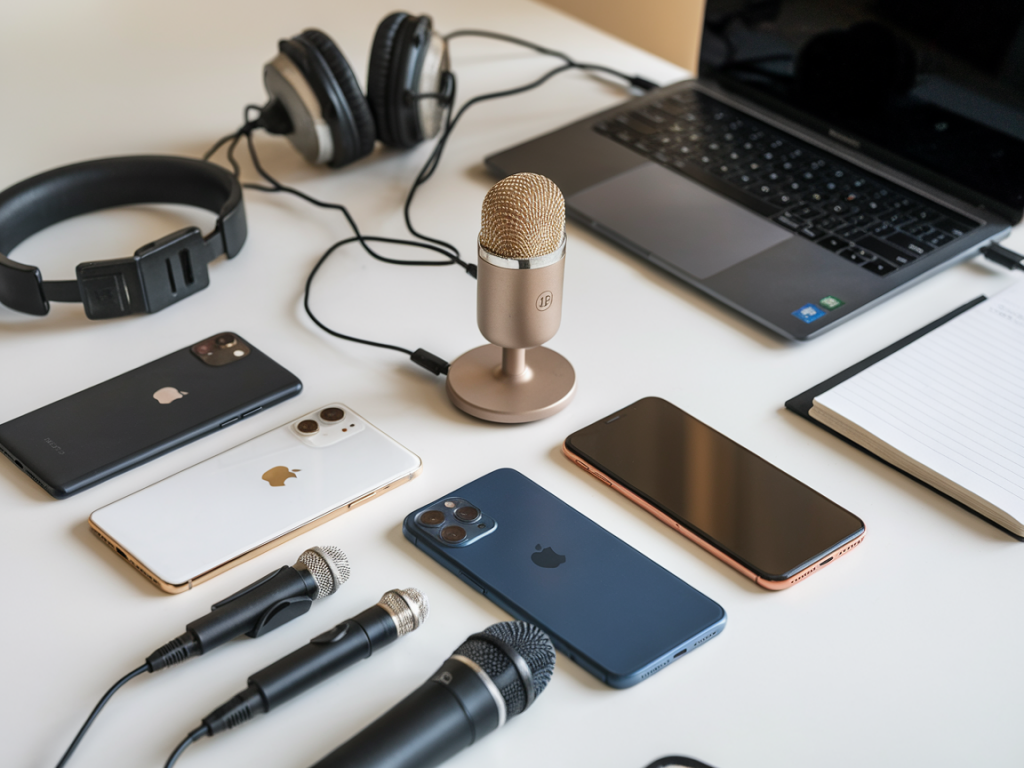
I love a good bargain, especially when it promises to make my phone videos sound like they were recorded in a cozy podcast studio. So I did what any slightly obsessive content creator would do: I bought a handful of cheap USB mics, plugged them into my phone (yes, with the appropriate adapters), and ran a blind listening test. No brand names in front of me, just audio files, headphones, and a notepad full of impressions.
Why this test?
Every week I see readers asking the same question: “Which cheap mic will make my TikToks/Instagram videos sound like a podcast?” There are hundreds of options under £70, but price isn’t everything. I wanted to answer the practical question: out of the budget USB mics people actually buy, which one gives the biggest jump in perceived quality when used with a phone?
How I tested (so you can trust these results)
Short version: controlled, blind, and phone-first. Here’s the setup:
What I listened for
Results (spoiler: not all “USB” mics are created equal)
Below is a quick comparative table summarizing the blind test results. Scores are subjective but based on the four listening criteria above (max 10 per criterion).
| Model | Clarity | Presence | Noise | Timbre |
|---|---|---|---|---|
| Fifine K669 | 8 | 8 | 6 | 7 |
| Blue Snowball iCE | 7 | 7 | 5 | 6 |
| Samson Meteor | 8 | 8 | 7 | 8 |
| TONOR TC-777 | 6 | 6 | 5 | 6 |
| Maono AU-A04 | 7 | 8 | 7 | 7 |
My takeaways (what sounded podcasty)
Best overall: Samson Meteor — The Meteor consistently produced the most natural-sounding voice with good warmth and impressive background rejection for the price. On the close and medium takes it gave that “in-studio” presence without sounding boxy. If you want one mic that makes phone videos sound like a low-budget podcast, this was my favorite.
Best value: Fifine K669 — This mic surprised me. It delivers big, clear sound and feels punchy, which helps if you’re making short-form content that needs to grab attention. It’s more forward than the Snowball and has better clarity than most other budget options. Downsides: slightly more background hiss in very quiet rooms.
Best for noisy rooms: Maono AU-A04 — It handled room ambience better than the Snowball and TONOR in my “lightly noisy” test. If you don’t have a treated room, this one will save you headaches. It isn’t as glamorous as the Meteor but it’s practical.
What to skip if you want podcast-quality: TONOR TC-777 — Cheap and fine for quick voice notes, but it sounded thin and took more aggressive EQ to get an acceptable presence. If that’s your only budget, it’ll do the job — just lower expectations.
Real-world tips for making your phone videos sound like a podcast
Things I learned that surprised me
If you want me to run the same blind test with lavalier options or try these mics with Android phones, tell me which setup you care about and I’ll put it on the list. Also — if you want the raw clips so you can judge for yourself, I’ll upload them on Mycomps Co (https://www.mycomps.co.uk) and link them in the comments.