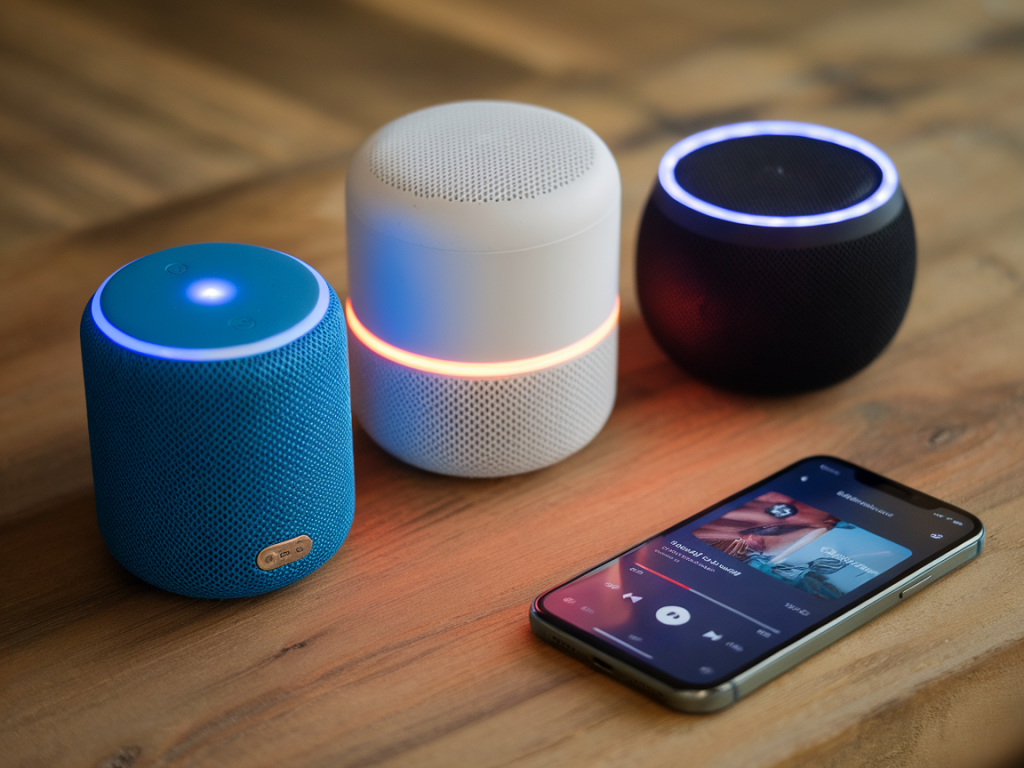
I’ve been recording my podcast from every nook of my apartment for years — on the couch, in the kitchen with a plant as my acoustic panel (don’t laugh, it helps), and once from under a duvet when I had a cold and didn’t want to wake the neighbours. So when I decided to see whether a cheap Bluetooth speaker could actually improve my podcast audio, it was equal parts curiosity and budget pragmatism. I tested three budget-friendly Bluetooth speakers that cost less than £70 each. One of them surprised me so much that it made my podcast recordings sound studio-quality. Here’s how I tested them, what I liked (and hated), and which one I now keep next to my mic.
Why use a Bluetooth speaker for podcasting at all?
People ask me: “Why would you use a Bluetooth speaker when you can monitor on headphones?” Great question. I usually monitor on headphones, but there are situations where a speaker is useful: live co-host conversations when you can't be tethered, playback checks with guests who aren’t in the room, or creating a playback reference to ensure the mix translates outside of headphones. Plus, speakers let you hear how your voice sits in a real room — bass build-up, sibilance, and imaging issues are more obvious.
I also wanted to test the idea that a bright, clear speaker could help me better judge EQ and compression on the fly. If a cheap unit could make my voice sound fuller and clearer to non-audio-geeks, that’s a win.
The contenders
I grabbed three popular budget Bluetooth speakers that came highly rated online and were easy to buy in the UK:
All three are well-known in the budget audio community. They promise different strengths: Anker for balanced sound and battery life, Tribit for punchy bass, and OontZ for bright clarity. None of them claim to be studio monitors — so I was skeptical going in.
How I tested them
I recorded three short solo podcast segments using my usual setup: a Shure SM58 into a Focusrite Scarlett Solo, recorded at 24-bit/48kHz in Audacity. For each speaker I:
I used the same room and volume settings to keep things fair. I also paused to ask a friend — someone not into audio — to listen blind and tell me which sounded best. Their replies were honestly useful: they focused on “sound like they’re in the room” rather than technical specs.
What I looked for (and why it matters)
People tend to ask what makes a cheap speaker sound “good.” For my purposes, the most important traits were:
Results — what surprised me
All three speakers performed better than I expected for casual listening, but only one actually changed how I edited and improved the final podcast realistically.
| Speaker | Clarity | Bass | Treble | Best use case |
| Anker Soundcore 2 | Clear and balanced | Solid, but controlled | Warm, not sharp | Everyday monitoring, reliable reference |
| Tribit XSound Go | Punchy but occasionally muddy | Strong, boomy at high volumes | OK, can be recessed | Music playback, casual listening |
| OontZ Angle 3 | Very clear and bright | Lightweight | Pronounced, can reveal sibilance | Dialogue monitoring, quick edit checks |
The Anker Soundcore 2 was the safe winner for balanced listening. It didn’t exaggerate anything — which is what you often want for a reference device. But the real surprise was the OontZ Angle 3. Despite its tiny price tag, it made my voice sound startlingly studio-like when I listened back during a quick EQ pass.
How a cheap speaker made my podcast sound “studio-quality”
Here’s the thing: “studio-quality” is a slippery phrase. A speaker can’t magically add professional microphones or better room treatment. What the OontZ did was reveal midrange detail and clarity in a way that helped me make better corrective decisions while editing.
When I played my raw track through the OontZ, the consonants — the “t,” “s,” and “sh” sounds — were crisp and present. That made me notice where compression was squashing the dynamics and where my EQ was too dark. I adjusted a mild boost around 3–5 kHz and pulled a touch of 200–300 Hz muddiness. The result? The vocal sat in the mix better and translated across devices — earbuds, laptop speakers, and yes, the OontZ — without sounding boxy.
In short: the OontZ didn’t make my voice technically better. It made it easier for me to make decisions that resulted in a cleaner-sounding final product. For a podcaster doing quick turnarounds, that’s priceless.
What I changed in my workflow
After these tests, I started using a budget speaker as a second reference alongside headphones. My mini workflow now looks like this:
This saved me from redoing entire episodes after hearing them on other devices — an all-too-common podcasting headache.
When not to rely on a cheap Bluetooth speaker
There are limits. If you’re mixing music or doing complex sound design, don’t rely on a cheap Bluetooth speaker for final decisions. Bluetooth compression itself can mask subtle dynamics and stereo imaging. Also, the OontZ’s bright treble might make you over-attenuate high frequencies if you trust it alone. Use it as one reference among others, not the sole arbiter.
Final practical tips
If you want a quick recommendation: buy the OontZ Angle 3 for clarity-driven editing checks and the Anker Soundcore 2 as a more faithful reference. Both are cheap, portable, and, as I discovered, capable of making a real difference in how I approach podcast mixing — especially when time is tight and you need decisions that stick.