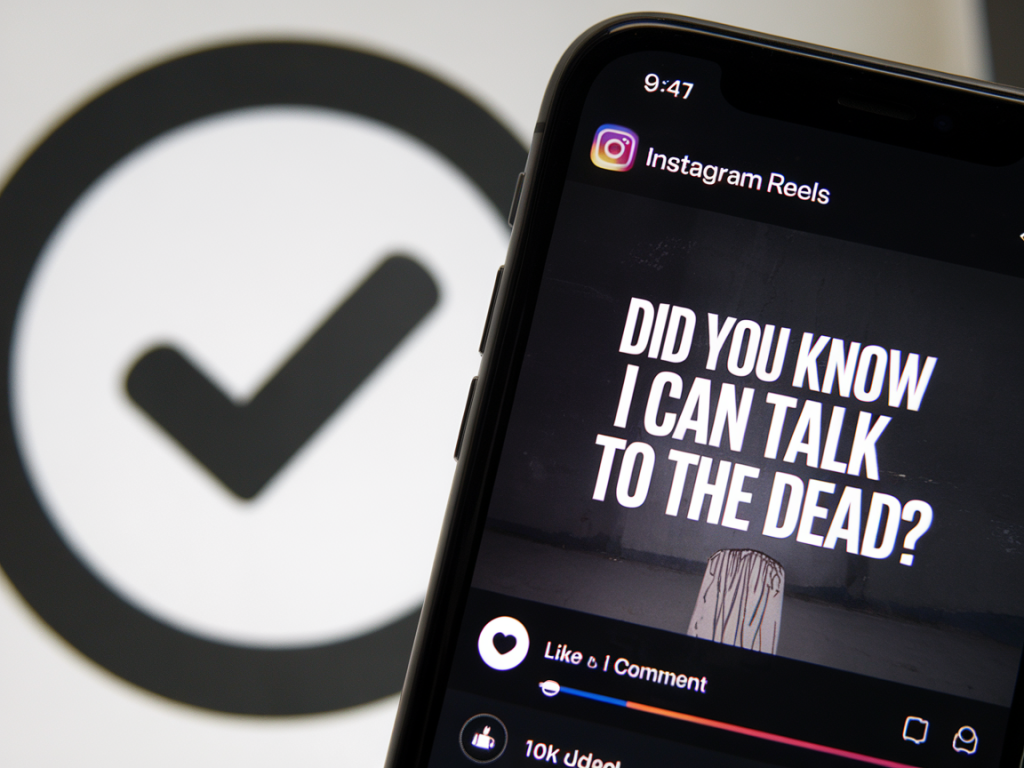
I’ve spent a lot of time scrolling, saving, and reverse-engineering Reels that feel impossible to ignore. Some hit my feed and I immediately know why they blew up — and some reveal sneaky little production or psychological moves creators use to push views into the millions. Below are eight viral Instagram Reels tricks I see again and again, plus simple ways you can try them on your next clip.
Hook in the first 1–3 seconds
On Instagram, attention is currency. If you don’t grab it in the opening beat, people swipe. The most viral Reels often start with a dramatic image, a bold line of text, or a question that demands an answer — all within the first 1–3 seconds.
How I try it: I write a one-line tease and place it as an overlay in big, high-contrast text during the first frame. Examples: “I tried TikTok-famous coffee for 7 days...” or “Don’t make this travel mistake.” Combine that with a close-up face shot or a visually interesting object to pull people in immediately.
Use trending audio — but make it yours
Trending sounds are basically algorithmic currency on Reels. When you use an audio that’s already popular, Instagram is more likely to push your video into “Explore.” But simply slapping on a sound won’t make you stand out — creators who twist a trend or add an unexpected reaction do much better.
How I try it: I check the audio’s recent uses and watch the style people are using it for. Then I either reverse the expectation (use a sad voiceover for a celebratory moment) or edit precise cuts to the beat to create a satisfying rhythm. Use Instagram’s “Use Audio” button so your Reel links to the trend.
Master quick cuts and rhythm editing
Fast edits keep attention. Viral creators often match cuts to the beat of the music or to a punchline to create an addictive pace. The human brain loves patterns, and rhythmic editing feels almost cinematic on mobile.
How I try it: I trim clips to the beat using Instagram’s trim tool or a simple editor like CapCut. If you’re new to editing, start with three-to-five clips and make each cut on a beat or a syllable. For more polish, add whip transitions or match-on-action cuts (for example: open door in clip 1, continue motion in clip 2) to make the flow seamless.
Make it loop perfectly
Videos that loop cleanly get more views because people watch them again automatically. A smart loop can be visual (an action that returns to the start) or narrative (a witty twist that makes you want to rewatch).
How I try it: Plan the ending to match the opening frame. For example, start with a person looking at the camera, cut away to an action, then return to that same person with a slightly different expression so the loop feels intentional. You can also use a match cut where the final frame lines up visually with the first.
Text overlays that guide attention
Captions aren’t just for accessibility — they tell a story visually. Viral Reels often use bold, on-screen text to summarize the point, add a punchline, or give context when the sound is off (many people browse with sound muted).
How I try it: I place short, punchy phrases in large fonts and stagger them so they appear as the video progresses. Use high-contrast colors and keep text duration long enough to read on a small screen. Tools like Instagram’s text tool, Canva, or CapCut make styling quick.
Use relatable micro-stories
One of the simplest patterns I see: creators telling micro-stories — tiny setups, small conflicts, and quick payoffs — that feel instantly relatable. These don’t need huge production value; they need authenticity.
How I try it: I think of one clear emotion or situation (“embarrassing flight moment,” “saving money hack that actually works”) and structure the Reel as: setup + escalation + payoff. Keep it under 60 seconds unless you truly need more time; short and sharp often wins.
Strategic captions and CTAs
Captions can boost discoverability (hashtags, keywords) and engagement (questions, CTAs). Many viral posts end with a question or prompt that encourages shares and comments, which signals Instagram to spread the Reel further.
How I try it: I write a caption with three parts — a hook line, 2–3 relevant hashtags (avoid spammy long lists), and a CTA like “Tag someone who needs this” or “Which one are you?” I also include a searchable keyword early in the caption (e.g., “budget travel tips” or “easy recipes”) to help with on-platform discovery.
Polish the first-frame thumbnail
Your Reel might appear in feeds as a still image before it plays. A scroll-stopping thumbnail with a clear face, expressive emotion, or intriguing text gets more clicks, which equals more views.
How I try it: I choose a bold thumbnail (Instagram lets you pick a frame or upload a custom cover). Make sure the image reads well at small sizes: close-up faces, contrasting colors, and short text work best. If you use a custom cover, size it for mobile (9:16) and test how it looks in the grid preview.
Extra micro-hacks I sneak into Reels:
Remember, there’s no single magic trick that guarantees 1M views. The creators who hit those numbers consistently combine several of these techniques: a thumb-stopping hook, a trending sound used creatively, tight editing, and an emotional or clever payoff that makes people rewatch and share. Try one or two of these ideas on your next Reel, keep notes on what works, and iterate — that’s how you learn the patterns that suit your content and audience.